 Tom Jackson
Traditional, headless and hybrid still get used as if they were three tidy products, when they are really three ways of connecting authoring, delivery and the front end. Teams pick a slogan, then discover that preview is awkward, a second channel has no home, or authors still need a developer to ship a landing page.
The market is still sorting this out. Recently, Liferay announced that Liferay CMS is available as a standalone headless product, without a Liferay DXP subscription. Official documentation describes it as a system for creating and organizing content and delivering it through REST and GraphQL to websites, applications and other channels. The launch materials are also clear that it does not build pages. That is a useful signal, not a verdict on Liferay: even long-standing DXP vendors now sell a headless content service on its own.
As we look forward, the useful question is which architecture matches the channels you have to serve, the way your authors work, and the way your developers already ship software.
Three Models, Plainly Defined
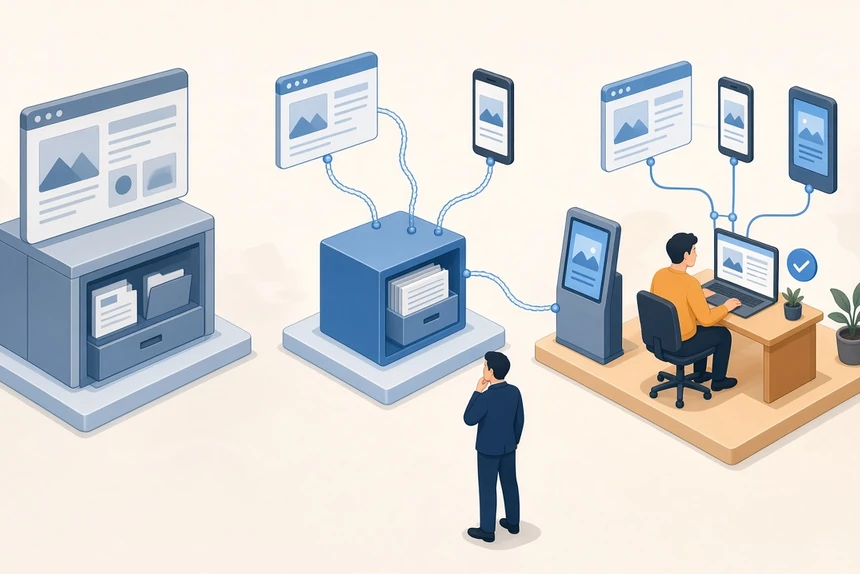
A traditional CMS, sometimes called a coupled or monolithic CMS, keeps content management and presentation in one system. Authors edit in the same product that renders the website, usually through themes, templates or page builders. WordPress and Drupal are the familiar examples. Both now also expose official APIs — WordPress through its REST API, Drupal through the core JSON:API module — so a traditional platform can feed a separate front end. The default, though, is still a website that lives inside the CMS.
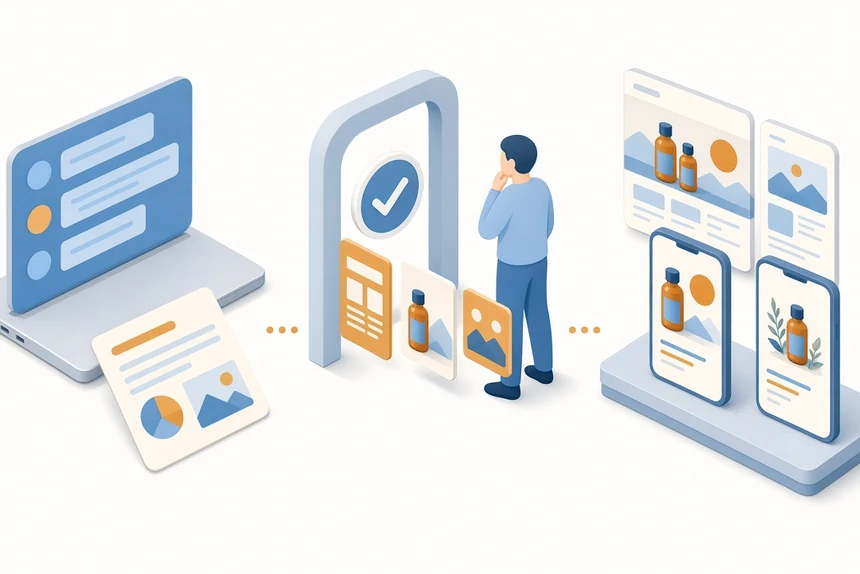
A headless CMS separates the content repository from the presentation layer and delivers structured content through APIs. Contentful's own explanation is a fair starting point: you manage content in one place and deploy it to the channels you choose. Sanity and Strapi work in the same pattern. Developers choose the front-end framework, and the same content model can serve a website, an app or another experience.
A hybrid CMS keeps that API-first delivery, then adds the authoring and preview tools teams expect from a traditional system: in-context editing, page-level preview, and often an optional templated site alongside headless endpoints. The term is used loosely. We use it here for platforms built to do both, not for a traditional CMS that later grew a REST endpoint.
CrafterCMS is a useful reference in this hybrid group. Official architect documentation describes an API-first headless "plus" CMS, with GraphQL and REST, first-class support for templated sites rendered with FreeMarker, and in-context editing for both kinds of projects. Content lives in a Git-based repository, and authoring is decoupled from delivery: Studio is the authoring system, a deployer publishes outward, and Engine serves the experience. That mix is what we mean by hybrid headless, not a claim that every team should choose it.
These are architecture types, not a ranked shortlist. We have separately compared enterprise headless platforms and looked at Java headless CMS options. The job here is to decide which model you are actually buying.
How The Architectures Differ
In a traditional CMS, the request usually hits the same application that stores the content. Themes, plugins and the editorial UI share one runtime. That is convenient for a single website, and it also means presentation, plugins and the content database tend to scale, fail and get patched together.
In a headless CMS, authors work in a content application, and sites or apps are a separate engineering concern. Front ends call APIs, often through a CDN or an application layer you control. You gain channel flexibility, and you take on preview, routing, personalization and performance in that application stack.
Hybrid platforms try to keep the split without making authors work blind. Content is still structured and available through APIs, but the product provides a previewable editing surface, and sometimes server-side rendering from the CMS itself. The test is whether authoring and delivery can vary independently, or whether "hybrid" is only a marketing layer on a coupled system.
A related idea is DevContentOps: putting content into the same delivery discipline as code, with environments, promotion and review. That practice can live on more than one of these models. It is easier when content, templates and configuration are versioned and can move between environments on purpose, which is why Git-based CMS workflows come up so often in this conversation.
Tradeoffs That Should Drive The Choice
Editor experience and preview. Traditional CMSs are still strong here. Authors see something close to the live page, and plugins or modules can cover forms, SEO fields and layout without a custom app. Pure headless tools have improved, but preview is only as good as the front-end hook your developers maintain. Hybrid platforms exist largely to close that gap. If your marketers ship pages every day, treat preview as a requirement, not a nice-to-have.
Omnichannel delivery. This is the original headless argument, and it still holds when you truly have more than one surface: a site, an app, a portal, a kiosk, or an assistant that reads the same structured content. A traditional CMS can feed those channels through APIs, but the content model is often still page-shaped. If you have one website and no second channel on the roadmap, the advantage is smaller than the brochure suggests.
Performance. Headless front ends can be very fast when pages are generated or cached at the edge, and slow if every view is a cascade of uncached API calls. Traditional performance depends on the theme, the plugin stack and the database. Hybrid systems that render on a dedicated delivery tier can be quick, provided delivery is actually separated from authoring. In every model, performance is a design choice, not a logo.
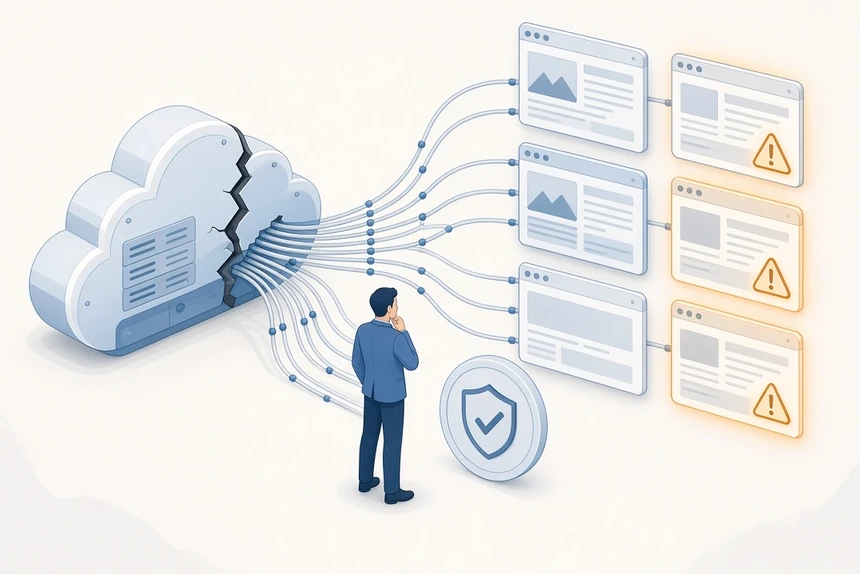
Security. A coupled CMS has a larger public attack surface: authoring, plugins or modules, and the website often share a stack. Headless and hybrid architectures can shrink that surface by keeping authoring off the public site and delivering through APIs or a dedicated delivery tier. They do not remove risk. You still have to protect API keys, permissions, preview endpoints and any third-party script on the page. Liferay's launch stresses role-based control over who can edit content and who can see it after publish. That is a vendor claim, but the requirement is real in regulated work.
Team skills and cost. Traditional CMSs are cheaper to start when your team already knows WordPress or Drupal and you need one site. Headless shifts cost into front-end engineering, content modeling and the plumbing for preview and search. Hybrid sits in between: you may pay for a more complete product, and you still need developers who can work with APIs. Licenses, usage-based API pricing, plugin maintenance and staffing all belong in the same conversation. We are not assigning dollar figures; those depend on your sites, users and channels.
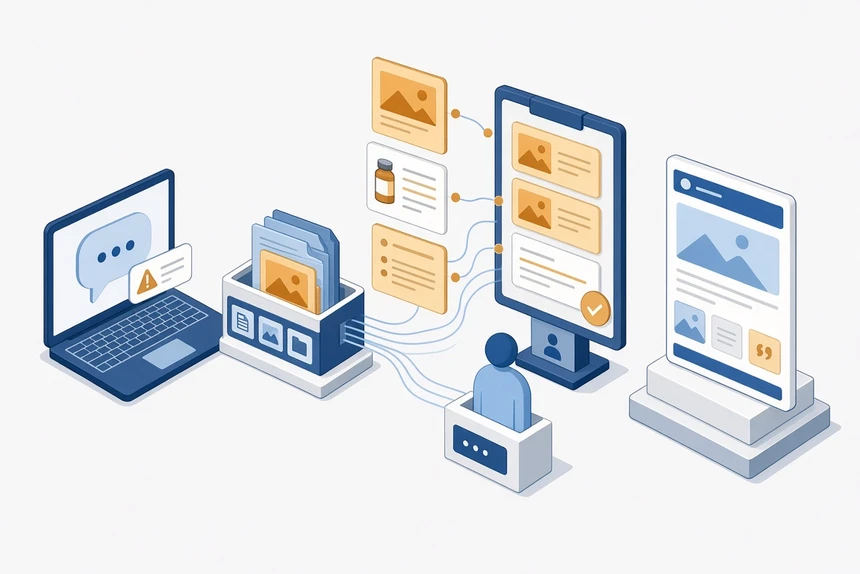
AI and agent readiness. Assistants and coding agents work best with structured content, documented APIs, clear permissions and a review path for anything they write. Headless and hybrid platforms are usually closer to that shape. Traditional CMSs have many AI plugins, but the content is not always structured enough to reuse safely, and a plugin that can write to production is still a write to production. AI-generated changes should follow the same versioning and approval rules as human edits.
A Decision Matrix
Use this as a discussion tool, not a scorecard. An advantage here assumes a solid implementation, not that every product in the category wins.
| Question | Traditional | Headless | Hybrid |
|---|---|---|---|
| Authors can preview the real page without a custom app | Usually strongest | Only as good as the preview you build | Strong when in-context editing is built in |
| Same content serves a site, an app and other channels | Possible through APIs, often awkward | The core design | The core design, with optional templated pages |
| Developers choose the front-end stack | Constrained by themes and modules | Unconstrained | Unconstrained, with a templating option |
| Public attack surface of the authoring system | Often shared with the live site | Can be separated | Can be separated when authoring and delivery are decoupled |
| Fit for a small team running one website | Usually the simplest start | Often more engineering than you need | Worthwhile if preview and APIs both matter now |
| Environment promotion and rollback discipline | Depends on export, staging and plugins | Depends on environments or datasets | Strongest when content is versioned, including in Git |
| Readiness for AI tools and agents | Plugin-led, variable structure | APIs and structured content help | APIs plus preview and review paths help |
Scenarios To Test Against Your Team
A marketing or campaign site with one main website. A traditional CMS is often enough, especially if the team already knows it. Adding a headless front end "for the future" is expensive if that future is a maybe.
A product company with a marketing site, an app and a docs or support experience. Headless or hybrid is the more honest fit. Model the content once, give each channel its own front end, and budget time for preview, or authors will bounce back to documents and slides.
An enterprise web program that also needs portals or authenticated experiences. Hybrid, or a headless CMS with serious preview and permissions, is usually the conversation worth having. If you are already in a Java shop, our guide to Java headless CMS platforms is the more specific next read. Do not assume a full DXP is required because you need governance; Liferay's standalone CMS launch is one example of that assumption being challenged, though you still have to test the product.
A team that already runs WordPress or Drupal well and needs a mobile app. Try the official API on a bounded project before you replace the CMS. WordPress's REST API handbook and Drupal's JSON:API module exist for this. If the content model cannot travel, that is a modeling problem, and a new CMS will not fix it by itself.
A team that wants code and content to move through environments without freezes. Look past the traditional/headless label and ask how promotion works. Git-based workflows are one clear answer. Environment aliases and isolated datasets, as we have described in that same article for other platforms, can also work. The test is the outcome: can a template and its content move on purpose, in the right direction?
How To Decide Without A Rip And Replace
Write down the channels you must support in the next two years, not a hypothetical year ten. If the list is one website, start with traditional or with the hybrid features you will actually use. If it is already longer, start with structured content and APIs, then decide how much preview and templating you have to buy or build.
Ask vendors to show, in a proof of concept, how an author previews a page, how a developer ships a front-end change, and how you would roll both back. Have them show how permissions work after publish, not only in the editorial UI, and where an AI-generated change is reviewed if that is in scope.
You can also split the problem. Keep a traditional CMS for a site that is working, and introduce a headless or hybrid CMS for a new app or brand once the content model is clear. A framework should help you choose a default, then let you make exceptions on purpose.
Making a choice is less about abandoning websites and more about not locking the next channel, or the next agent, into a page template you cannot reuse. Pick the model that gives authors a trustworthy preview and developers a clean contract, and be honest about which of those you are missing today.